
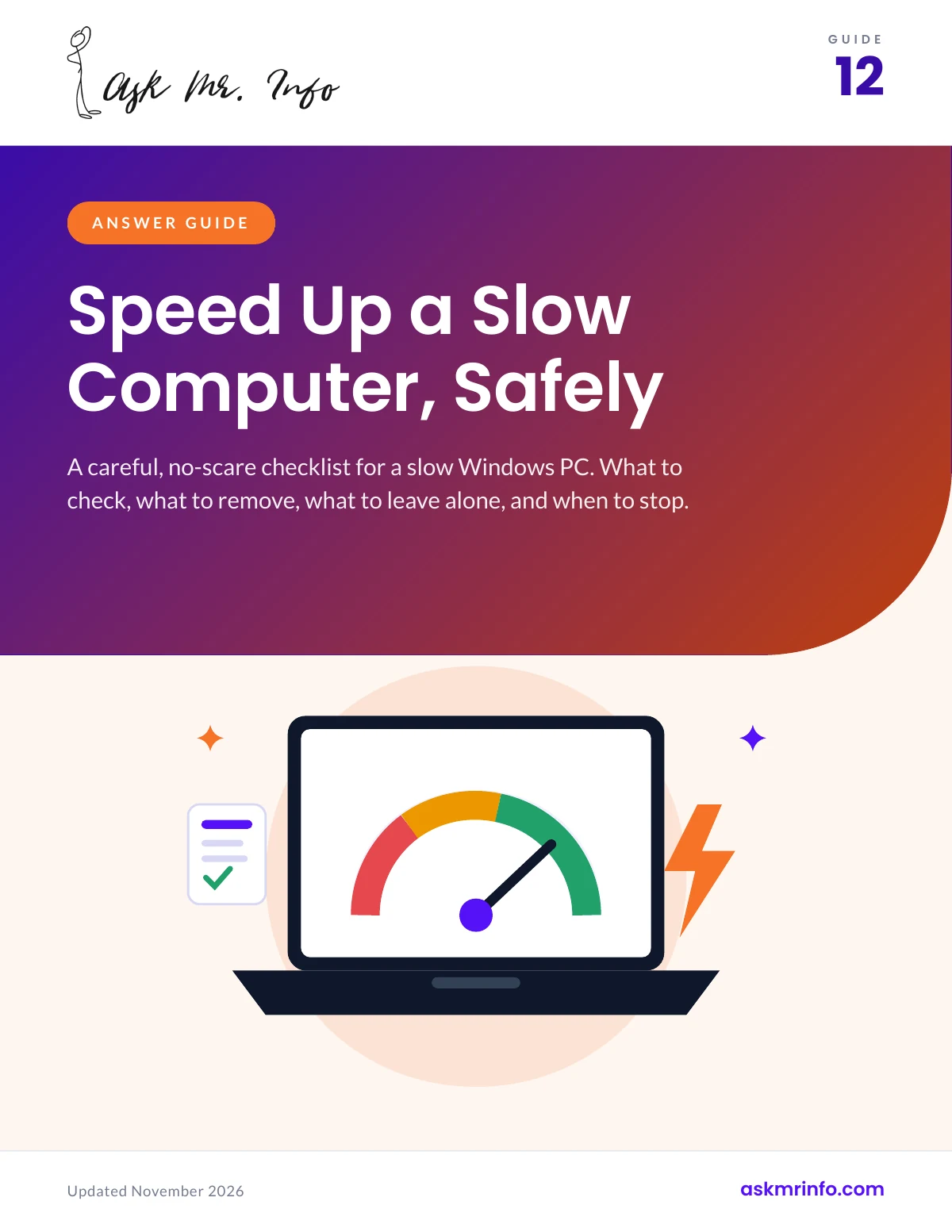
Make a slow Windows computer feel quicker using free, built-in tools. Trim startup apps, free up disk space, update safely, scan for malware, and decide honestly whether to upgrade or replace.
What’s inside
- Find out what is really slowing the PC, using tools already in Windows
- Stop unneeded apps from launching at startup
- Free up disk space safely with Storage Sense and Disk Cleanup
- Tame a slow web browser full of tabs and extensions
- Recognize fake “optimizer” software and scam pop-ups
- A printable one-page recap card to keep by the device
Who it’s for
Everyday Windows 10 and 11 users.
What you get
- The Answer Guide: 16 pages, with a printable one-page recap card
Format: PDF, US Letter size. Instant download after checkout, and unlimited downloads from your account, so you can save it to every device you use. Reads well on a phone, tablet or computer, and prints cleanly at home.


Reviews
There are no reviews yet.